Skip to content
Platform Overview

One Platform. Every Flight Training Workflow.

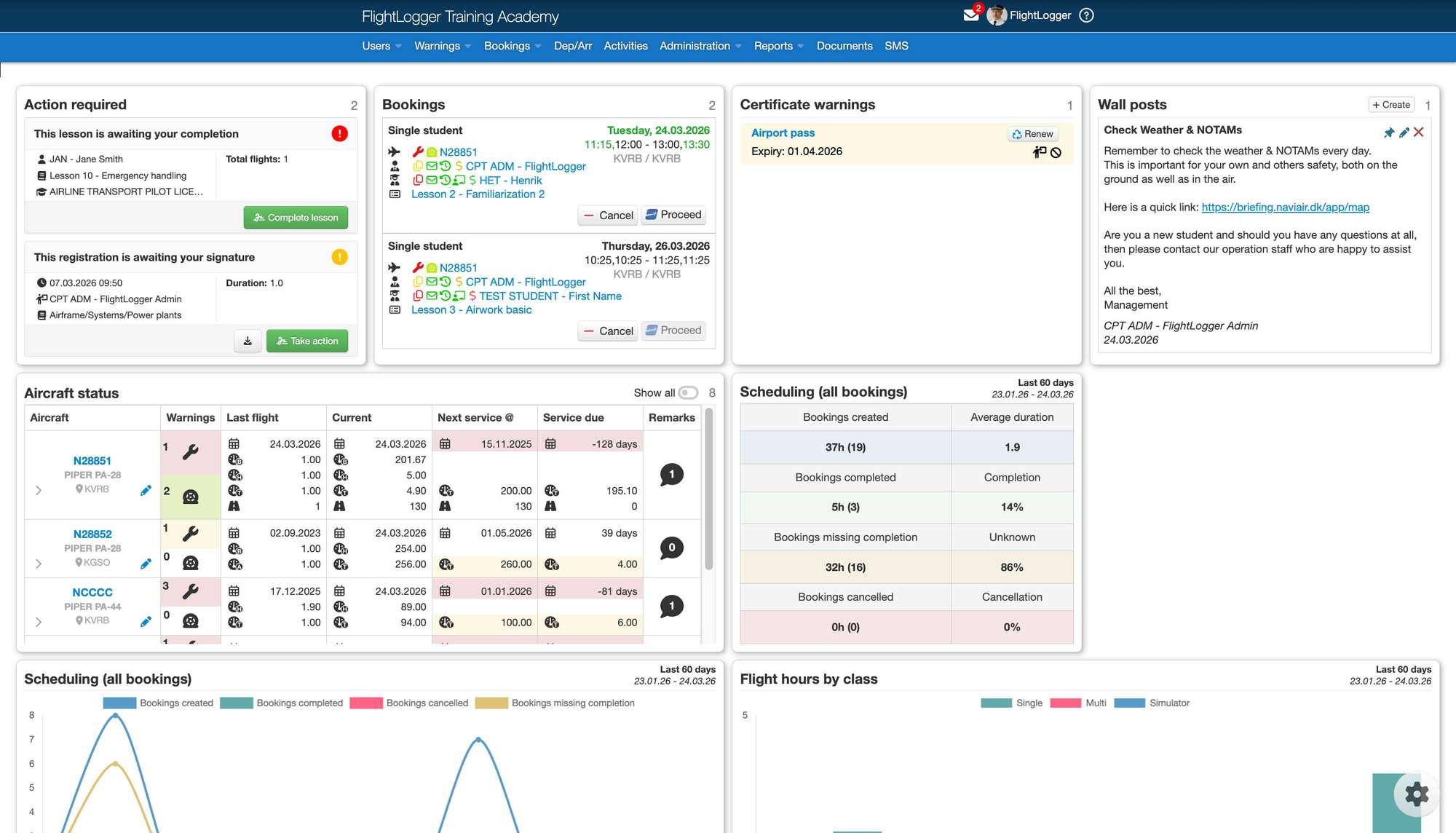
FlightLogger brings your training, operations, and compliance into one connected platform - replacing fragmented systems and workflows so your team always knows what's happening, what's next, and where to act.
Front-page
Platform Capabilities

Built for Aviation Workflows
Designed for Aviation Professionals

Replace fragmented systems with one platform - delivering centralized control across scheduling, training, maintenance, and compliance.

Screenshot 2026-03-23 at 15.59.40

Scheduling & Resource Management

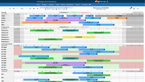
Coordinate aircraft, instructors, and students with real-time updates, conflict prevention, and drag-and-drop scheduling ease.
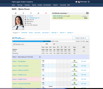
Student Profile

Profiles, Syllabi & Training Plans

Structure training with centralized profiles, syllabi, and plans - ensuring consistent, compliant progress from start to finish.
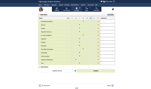
Student Grading

Grading & Progress Tracking

Track performance and grading in real time. Instantly see who is on pace, falling behind, or ready to progress.
Screenshot 2026-04-17 at 13.30.11

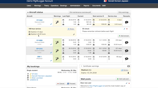
Aircraft & Maintenance

Track aircraft status, log maintenance activities, manage squawks, and align operational availability with training schedules centrally.
Screenshot 2026-04-17 at 13.32.12

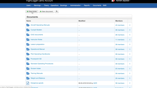
Communication & Documentation

Centralize team communication and important documents so nothing gets missed and critical information stays accessible to everyone.
Screenshot 2026-04-29 at 09.47.52

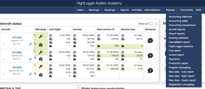
Reporting & Compliance

Stay audit-ready with digital sign-offs, lesson records, and historical reports generated instantly for EASA, FAA, CASA, and more.

Unified Platform

FlightLogger unifies every aspect of your training operation into one connected platform.
  • Unified Training Workflows:
     Manage scheduling, student tracking, and compliance in one centralized platform.
  • AI-Powered Student Insights:
    Get automatic performance summaries and progression alerts based on real training data.
  • Multi-Location Scalability:
    Standardize operations across bases, teams, and time zones with real-time visibility.
SoMe designs (34)

Drag & Drop Scheduling

Reorganize flight schedules, instructor assignments, and aircraft allocation with intuitive drag-and-drop controls.

Complete Operational Visibility

Access real-time data across scheduling, training, and compliance from one centralized platform built for flight training operations.

Build the setup your school needs

FlightLogger gives you one core platform, extended by 10+ specialized modules for training, progression, safety, finance, insights, and integrations.

Interested in add-on modules?

FlightLogger gives you one core platform, extended by 10+ specialized modules for training, progression,safety, finance, insights, and integrations.

Choose the modules that fit your operation today, and expand as your needs evolve.


Explore what your operation could look like with the right platform.

 
If your current setup is slowing your team down, this is an easy way to explore a better option. In your demo, we’ll show you how FlightLogger connects scheduling, student progress, compliance, and daily operations in one platform.
 
Your goals, your demo:  We tailor the walkthrough to your school, your workflows, and your priorities.
 
 Clear answers, no pressure: See exactly how FlightLogger can support your team and strengthen day-to-day visibility.
 
 Built for growing flight schools: Discover a smarter way to manage training, operations, and compliance together.
 
Book a time that suits you - we’ll take it from there.
Frequently Asked Questions
What is AEO and why should I include an FAQ on my page?

Answer Engine Optimization (AEO) is the process of optimizing content for AI models like ChatGPT and Google Search Generative Experience.

By providing clear, concise questions and answers, you make it easier for these engines to find and pull your content as a featured snippet or direct response.

How does the Generator FAQ module help with "Topic Authority"?

AI crawlers look for "Helpful Content" that demonstrates deep expertise.

Using this module to address specific, niche-related questions signals to search engines that your page is a comprehensive resource, which can significantly boost your overall E-E-A-T (Experience, Expertise, Authoritativeness, and Trustworthiness) ranking.

Can I customize the look of the FAQ to match my brand?

Absolutely. You have full control over the "Surface" styles, including borders, corner rounding, and drop shadows. This allows you to maintain a clean, professional look that reduces cognitive load for your users while keeping them engaged with your most important technical or service-related information.